 Splixy
Split expenses with friends, clearly.
Trips, shared flats, dinners: add the expenses and Splixy tells everyone exactly who owes what, updated in real time.


Free to start. Upgrade to Pro for sharing, export and statistics.
Everything you need to settle up
Simple enough for a weekend away, complete enough for a shared flat.
A group for every occasion
Create a group in seconds and add friends by name or from your contacts.
Split your way
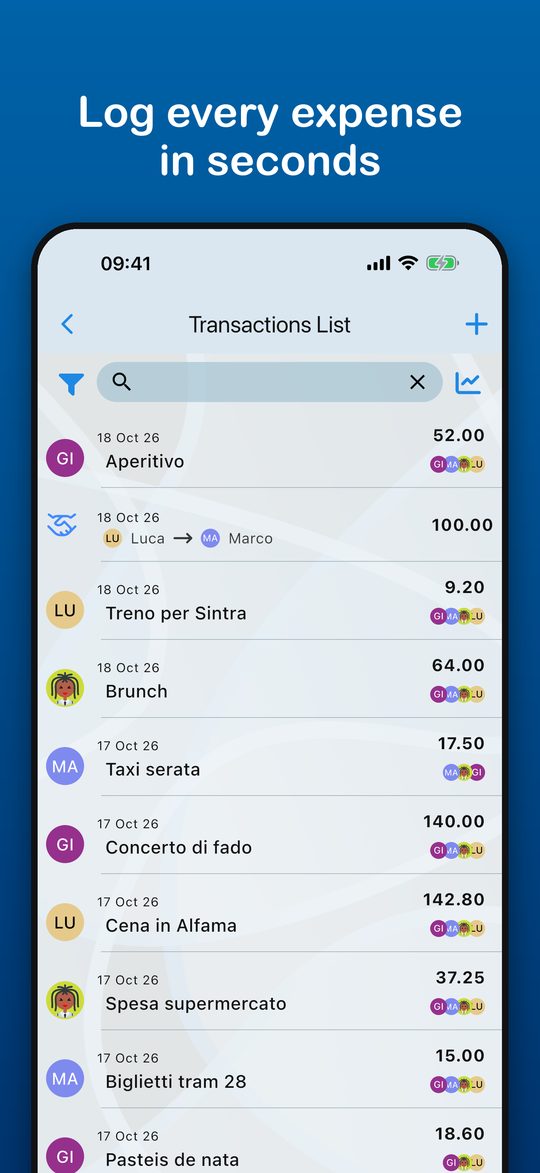
Divide an expense equally, by shares or by percentage, and record who paid.
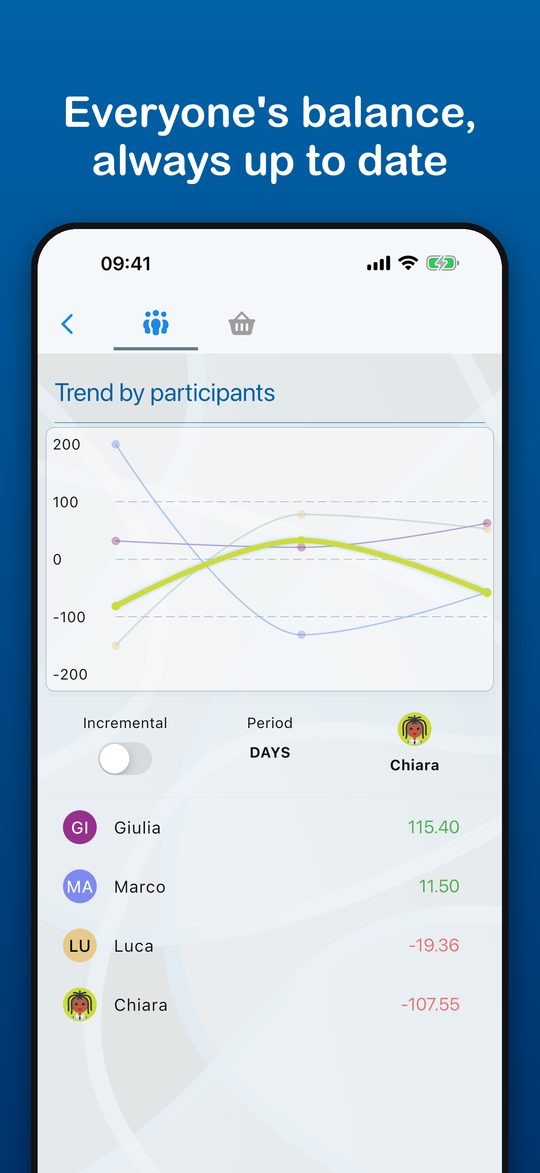
Balances at a glance
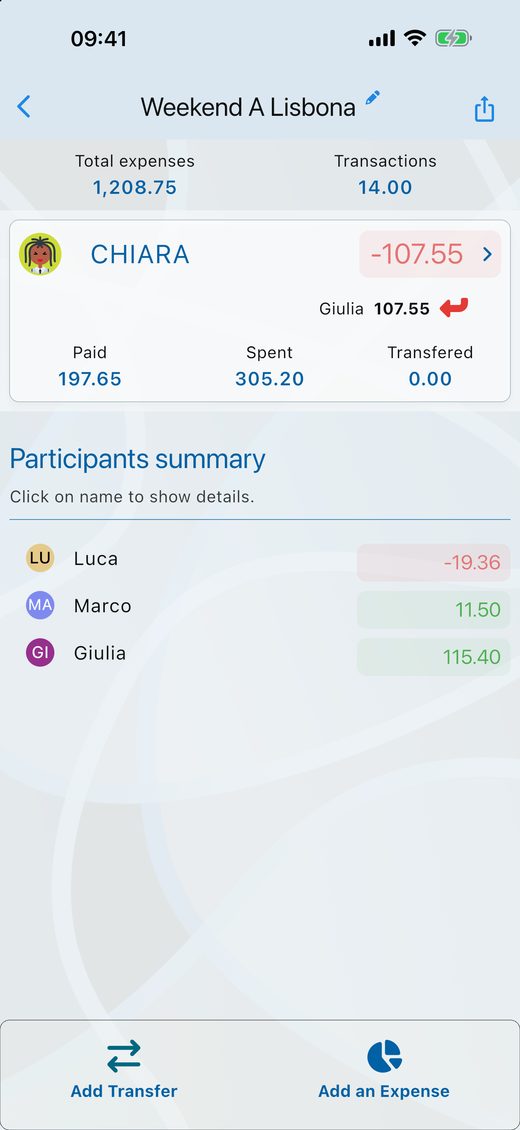
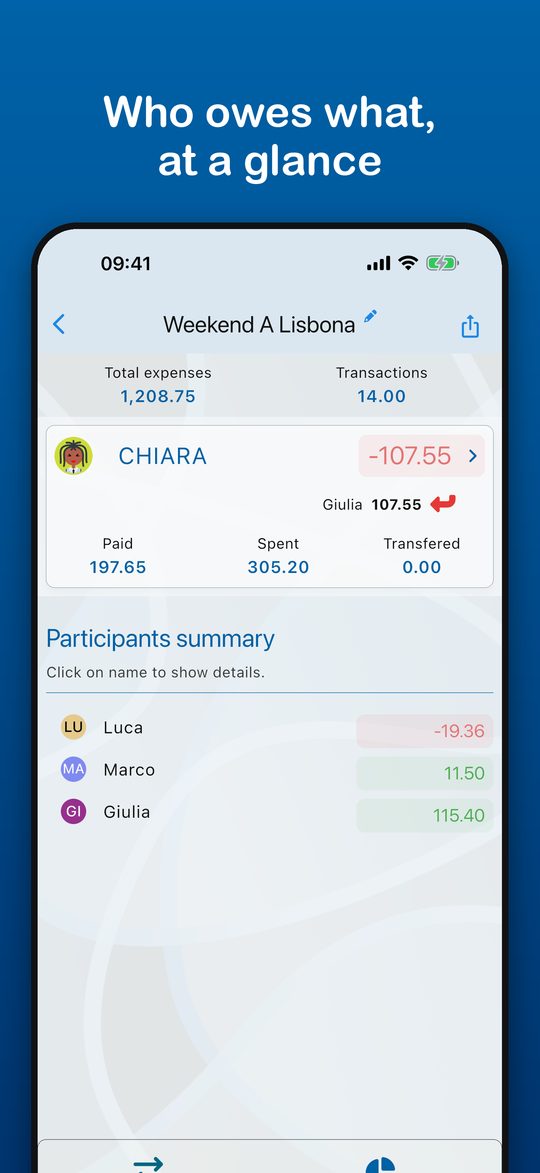
See each person's balance and who should pay whom, always up to date.
Share in real time (Pro)
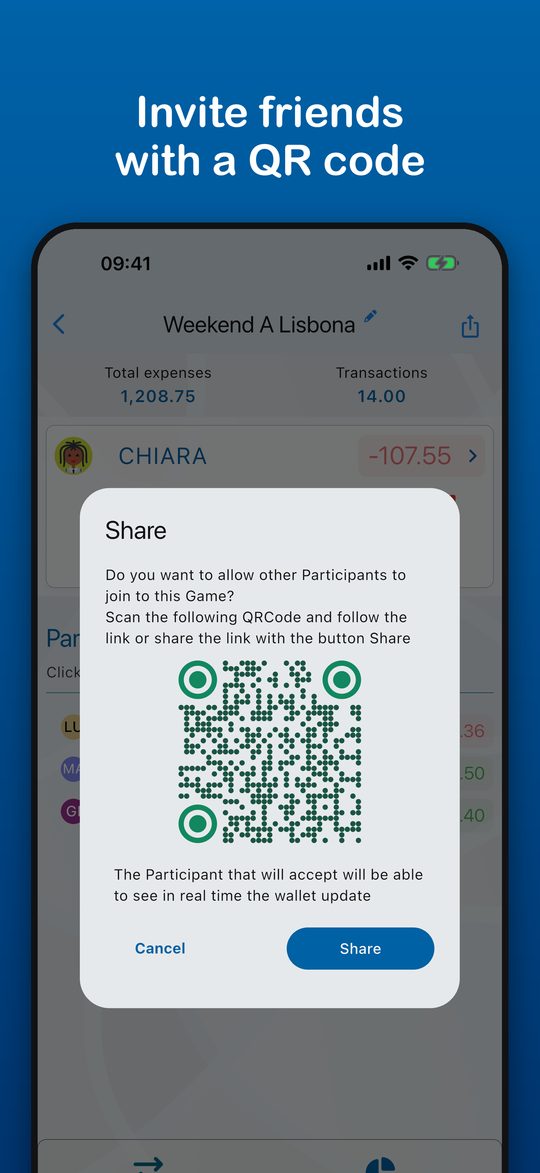
Invite friends with a QR code or an invite code. Everyone sees the same group, and you choose who can edit.
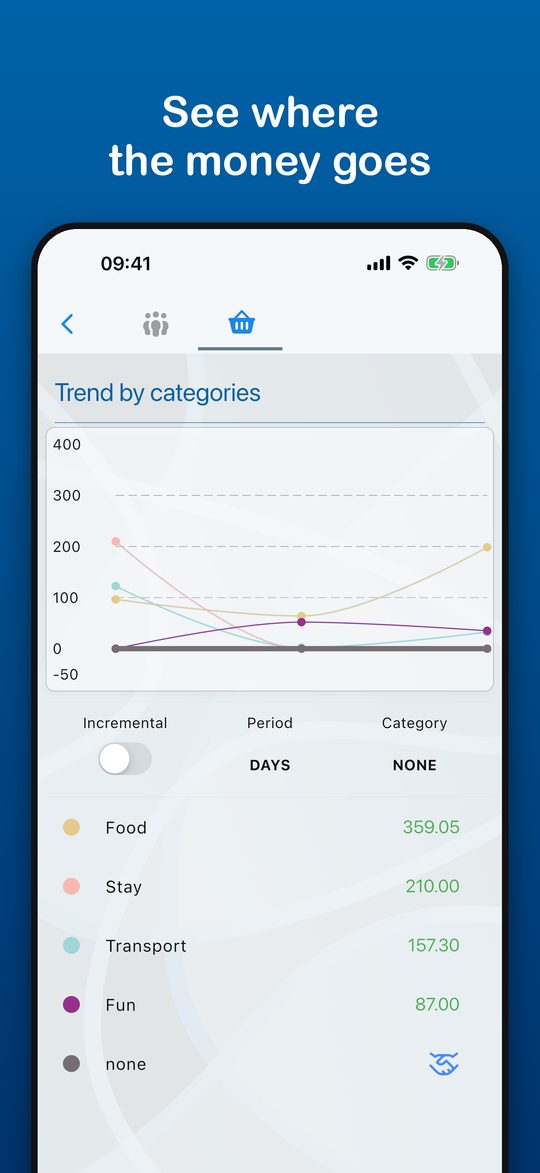
Understand the spending (Pro)
Trends by category and by participant, filtered by period.
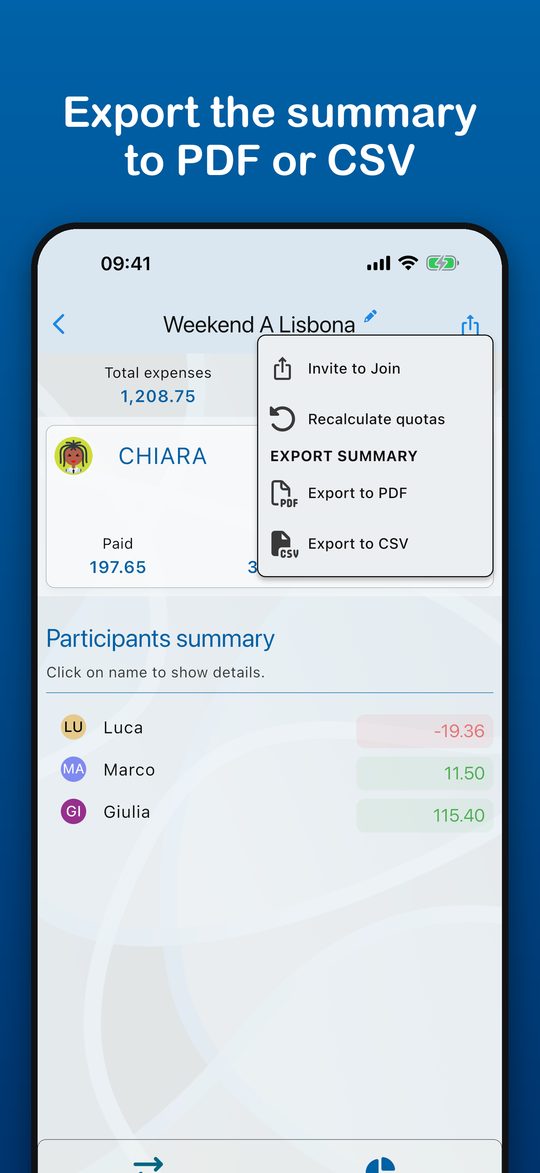
Export and keep a record (Pro)
Export the group summary to PDF or CSV and share the final balance.
See it in action
Free to start, Pro when you need more
Free
- Up to 7 groups
- Up to 15 transactions
- Up to 7 participants
- Split by shares or percentage
- Balances and categories
Pro
- Unlimited groups, transactions and participants
- Real-time sharing with friends
- Export to PDF and CSV
- Full statistics
Splixy Pro is an auto-renewing monthly subscription at 2.99 EUR per month (the price may vary by country). Payment is charged to your store account when you confirm the purchase. The subscription renews automatically unless you cancel at least 24 hours before the end of the current period. You can manage or cancel it at any time in your App Store or Google Play account settings.
Questions
Does Splixy move money?
No. Splixy keeps track of who owes what and suggests how to settle up. Payments happen outside the app, however you prefer.
Do I need an account?
Yes. You can sign in with email, Google or Apple, so your groups are available on any device.
Can I use another currency?
Each group has its own currency, so you can keep a trip abroad separate from your everyday expenses.
How do I cancel Pro?
Subscriptions are managed by the store: on iPhone open Settings, tap your name, then Subscriptions; on Android open Google Play, then Payments and subscriptions.
How do I delete my account?
Follow the steps on the delete account page.